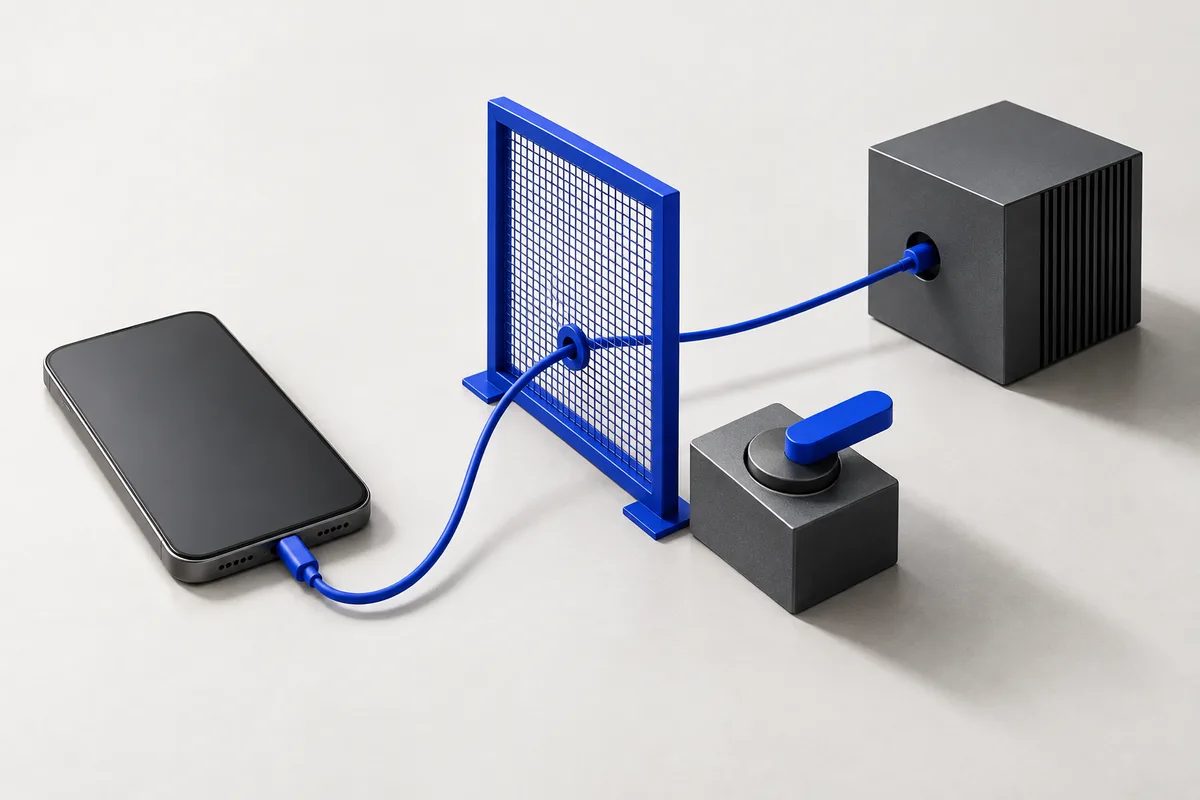
01. It won’t message someone you didn’t name.
Before anything is sent, a check compares the recipient with the person you asked for. If the number isn’t saved under that name, and you didn’t write the number yourself, the send is refused. The check is the last step before every send. It exists because an early version once messaged the wrong person.
02. Your screen stays yours.
When Solace works in the background, it works on a screen of its own. It only uses your main screen when your words ask it to.
03. It won’t reply while nobody’s watching.
Solace can answer a message through its notification. It won’t do that on an unattended run: the incoming message itself is not a trusted instruction.
04. It checks before saying “done”.
A separate check, with read-only access, compares the phone with your request. If something is missing, the run goes back to work. If something doesn’t exist in the app, it tells you instead of pretending.
05. It won’t change what you didn’t ask it to change.
Guards stop a second submit of the same form, and changes to accounts or settings that weren’t part of your request.
How to stop it
Turning off Solace in Settings → Accessibility stops it from touching apps. The exact in-app stop and notification controls will be documented with the first beta build.
Harness card
Build-specific details will be published with the first release. This is a description of the harness, not a completed safety evaluation.
| Item | Details |
|---|---|
| Product | Solace AI · closed beta |
| Where it runs | Agent loop, tools and safety checks run on your phone. Model requests leave it. |
| Model | Gemini currently; the model and version for each distributed build will be recorded in the changelog. |
| Permissions | Accessibility: read and act. Notifications: read and reply. SMS and contacts: when asked. Location: place-based requests. Display: second screen. |
| Checks | Independent read-only completion check on tasks that changed something. |
| Evaluations | Controlled results and MobileWorld scores are not yet published. |
| Known limits | Can misread unusual screens; short tasks may be slower; some apps block automation; background operation depends on device state. |
Report a problem
Email safety@solace-systems.com with the time and what you asked. Security issues: security@solace-systems.com.