
SAFETY / USAGE POLICY / DRAFT

What Silhouette may
not be used for.

Silhouette acts on real apps and real accounts. These uses are not allowed.

Know the boundaries
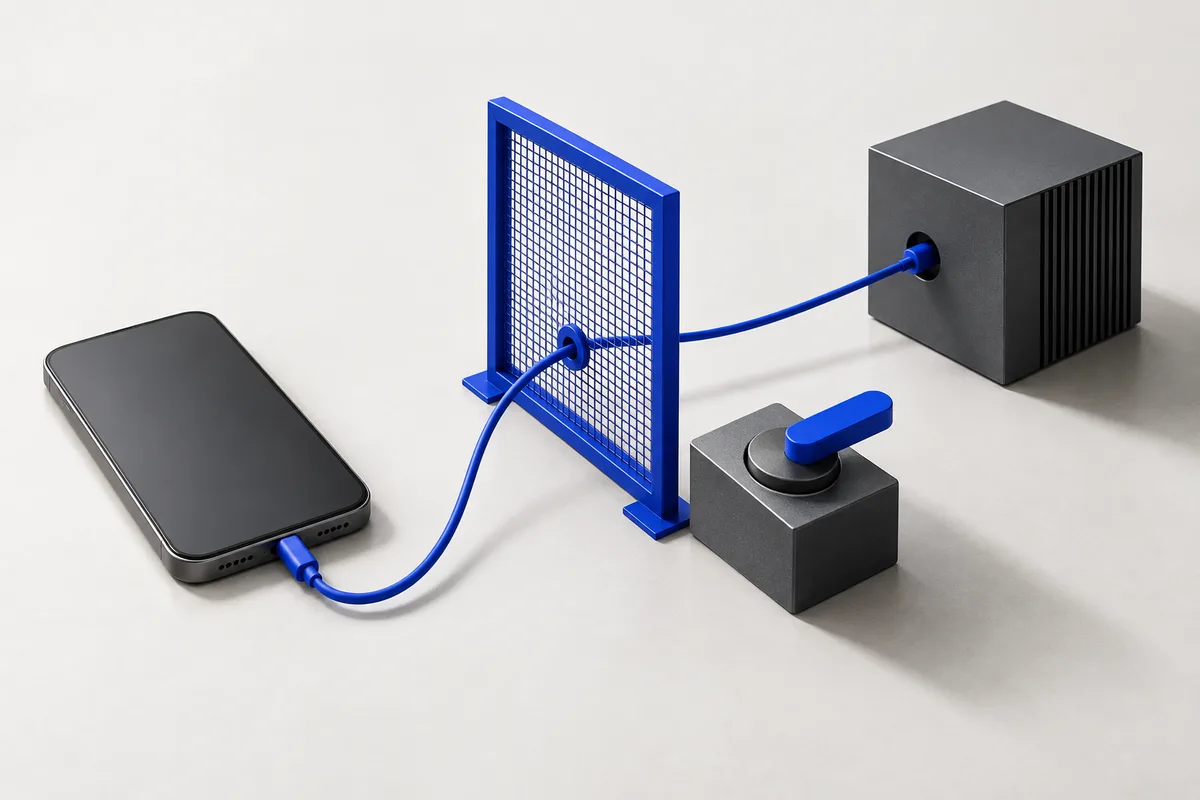
Concept illustration of a permission gate and a human-operated switch between a phone and model systemConcept artwork · Illustration, not product footage
010203
01Authorized access02Allowed tasks03Human oversight

This policy is a draft awaiting legal review.

  • Operating accounts or devices you are not authorized to use.
  • Contacting people at scale without their agreement.
  • Evading platform rules, bot detection or rate limits.
  • Collecting other people’s data beyond the task.
  • Impersonating a person without disclosure.
  • Financial trades, transfers or purchases without a human confirming each one.
  • Anything illegal where you or the recipient are.

Report misuse to safety@solace-systems.com.

YOUR INFORMATION / YOUR CHOICE

A quieter footprint.

Visitor analytics is optional and off until you accept. We do not use advertising trackers.

Visitor analytics: off
We count page views, estimated unique browsers, referral-site domains and broad device categories. We never attach these metrics to your beta registration. Admin, verification and unsubscribe pages are excluded.
Essential security
Admin sign-in uses a session cookie. Server controls protect forms against abuse.
Display preferences
Your chosen theme and signup dismissal can be remembered in your browser. These are not used to profile you.
Email preferences
Product updates are optional. Use the unsubscribe link in an email to withdraw your choice. Clearing browser preferences does not unsubscribe you.

Your analytics choice is remembered for 90 days. You can withdraw at any time; this stops future collection. Existing metrics are not erased by clearing browser storage.

Read the privacy notice ↗

Help shape
what’s next.

Silhouette is an Android AI assistant that reads and operates installed apps, uses phone tools, remembers preferences, and runs scheduled or pre-approved event-triggered tasks. Register your interest in the beta.

Tell us about the phone you’ll use for testing. Find these details in Settings → About phone → Software information. This helps us check beta compatibility.