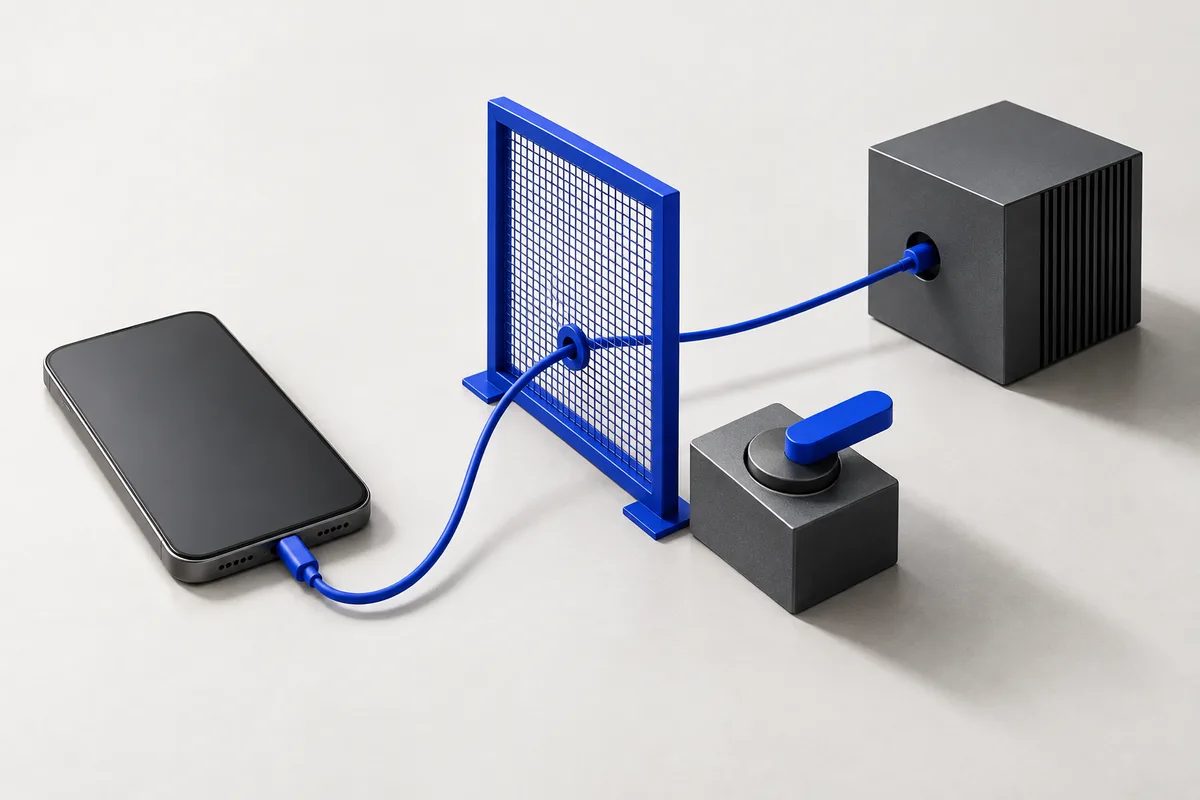
Sent while a task runs
| What | Why | Destination |
|---|---|---|
| Your request, typed or transcribed | So the model knows what you want | The model provider; beta relay configuration is to be confirmed |
| Screen text and sometimes a screenshot | So the model can see what to tap | The model provider |
| Tool results needed for the task | So the model can use them | The model provider |
Stays on your phone
Chat history, learned procedures, programs, run recordings and voice audio are designed to stay on the phone. Speech is transcribed on-device. Contacts and messages can be included in model requests when a task needs them.
Other people’s information
Screens often show other people’s names and messages. Solace is designed to send the screen it is currently working on for the task you asked for.
Before the first install
The exact provider and model, relay logging, crash-report service, retention and processing locations still need to be confirmed. This page will be updated with those details before testers install the app.
This website
The beta form sends the details you enter to the website server, which stores them in Supabase. No analytics service is enabled in this local build. Application records are not accessible through the public browser client.